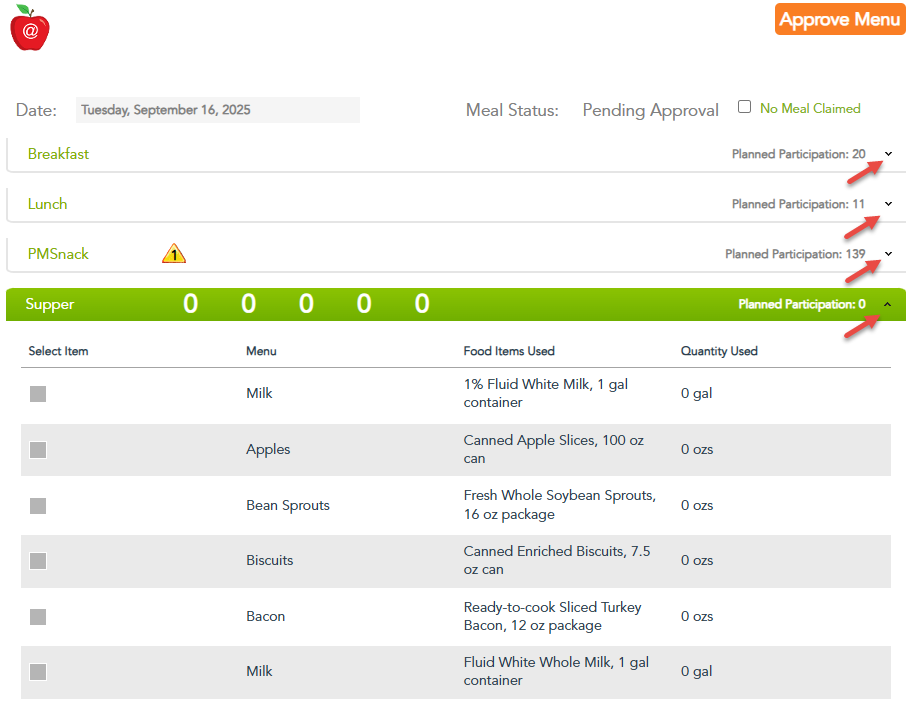
How Do I Approve Daily Menus in MFC?
- Log In to MyFoodCloud.
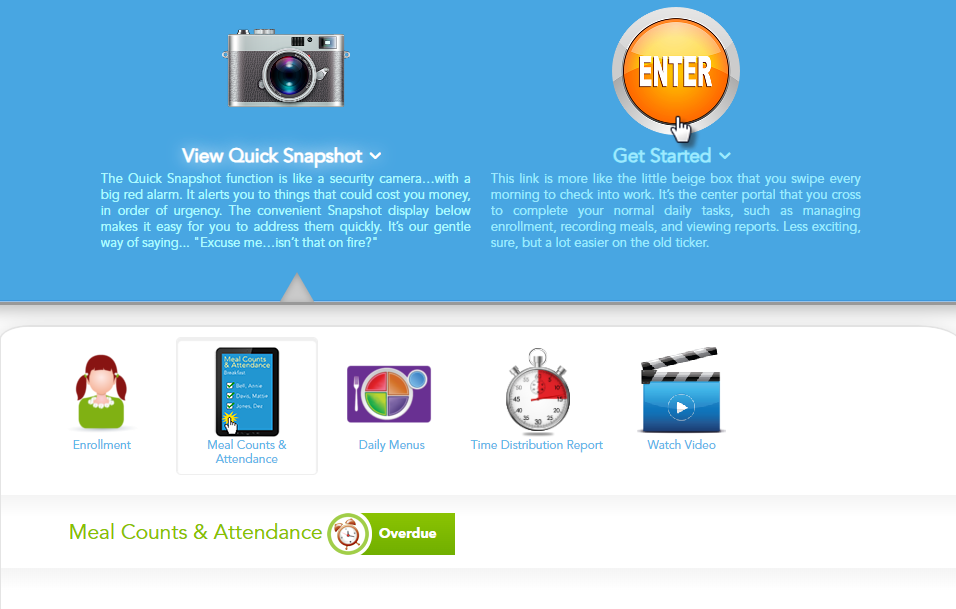
- Click “ENTER” or “Get Started” on your dashboard.
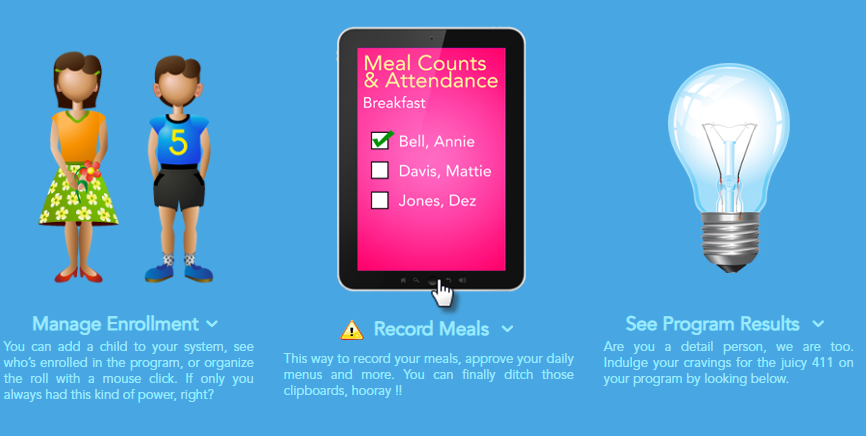
- Select “Record Meals.”
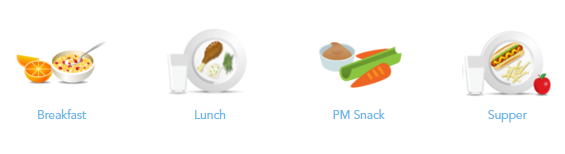
- Click on the mealtime you want to review (e.g., Breakfast, Lunch, PM Snack).
- Select “Daily Meal Production Record.”

- Review Meal Records by Age Group. Meal production records are separated by “Ages 1-12” and “Infants 0-11 months.” Use the calendar feature to select a previous date if needed.
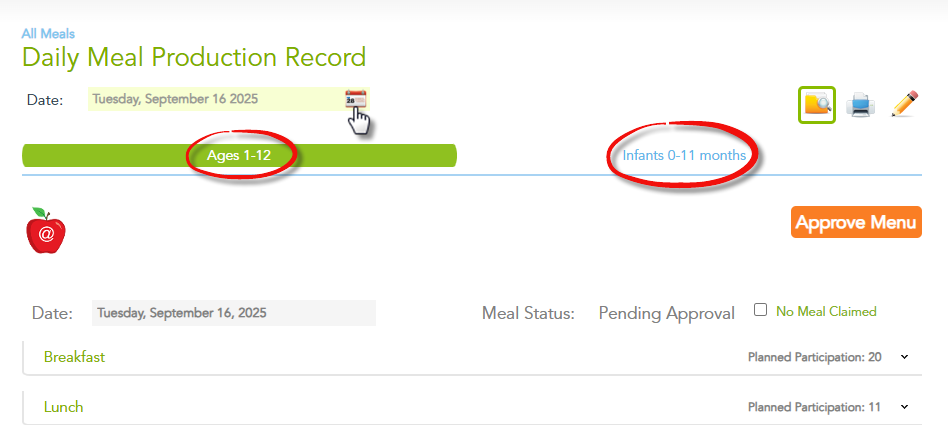
- Click the meal time to expand and view all menu details for that meal. Confirm all menu components meet CACFP requirements for that age group as required by the TDA Handbook (Section 4120).
- If no changes are needed, click the “Approve Menu” button for each age group. Remember: Both “Ages 1-12” and “Infants 0-11 months” menus must be approved separately each day.