
1. Access the Daily Meal Records
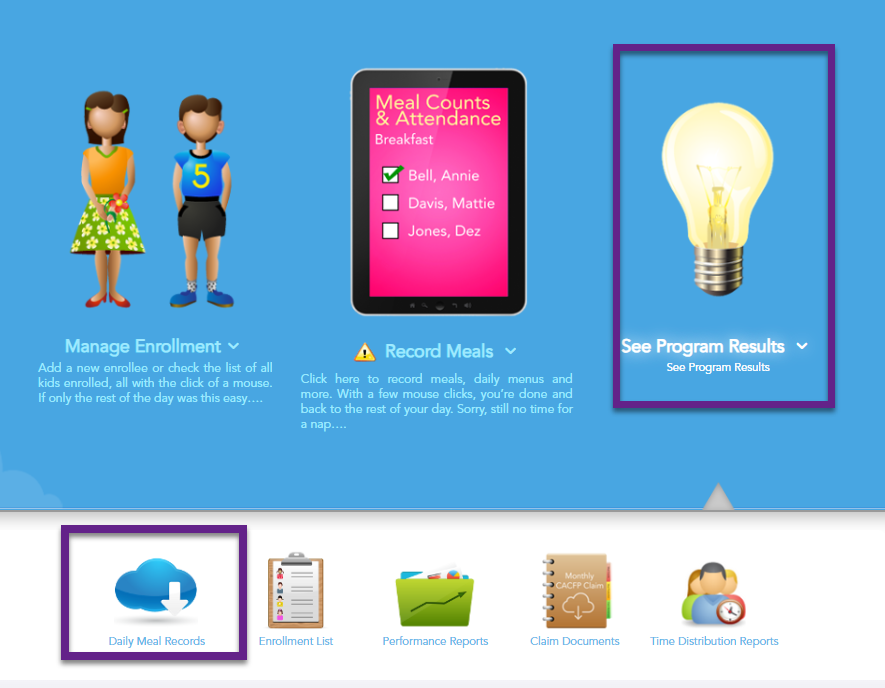
- Log in to your MyFoodCloud account and navigate to the Program Results section.
- Click on the Daily Meal Records icon to access your meal and attendance data.
2. Print Your Meal Counts and Attendance Records
- Go to the Meal Counts and Attendance tab.
- Select the month or week you need. Select the specific classroom or select “all.”
- Select the PDF Icon at the top of the page to save the PDF to your computer or send the page to your local printer.
