Logging Into Zoho Expenses
How Do I Log In to Zoho Expenses for the First Time?
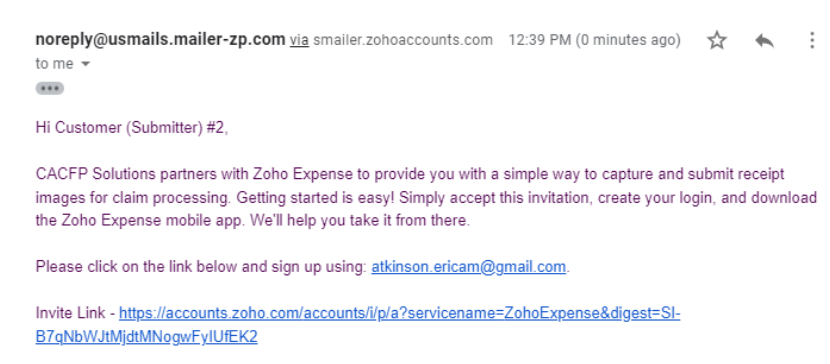
- You will receive an email invite from CACFP Solutions to join Zoho Expenses.
- Click the link in the email to begin your Zoho Expenses account setup.
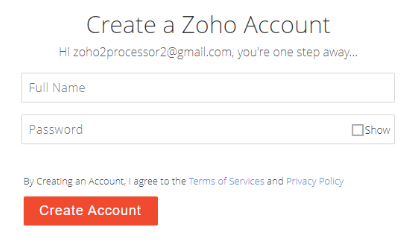
- Follow the prompts to create a secure password for your Zoho Expenses account.
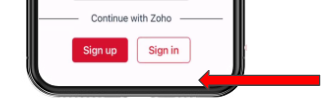
- Download the mobile app by going to the APP store or Google Play store and installing Zoho Expenses.

- Open the app and sign in using your email and the password you just set.
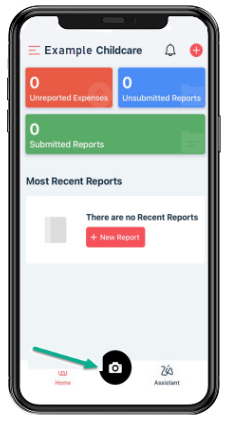
- After logging in, you’ll see the Zoho Expenses dashboard, where you can begin submitting receipts and managing your CACFP-related expenses.