
How Do I Make a Permanent Change to Cycle Menus in MFC?
- Log in to your MyFoodCloud account.

- On your dashboard, click the Enter button to get started.
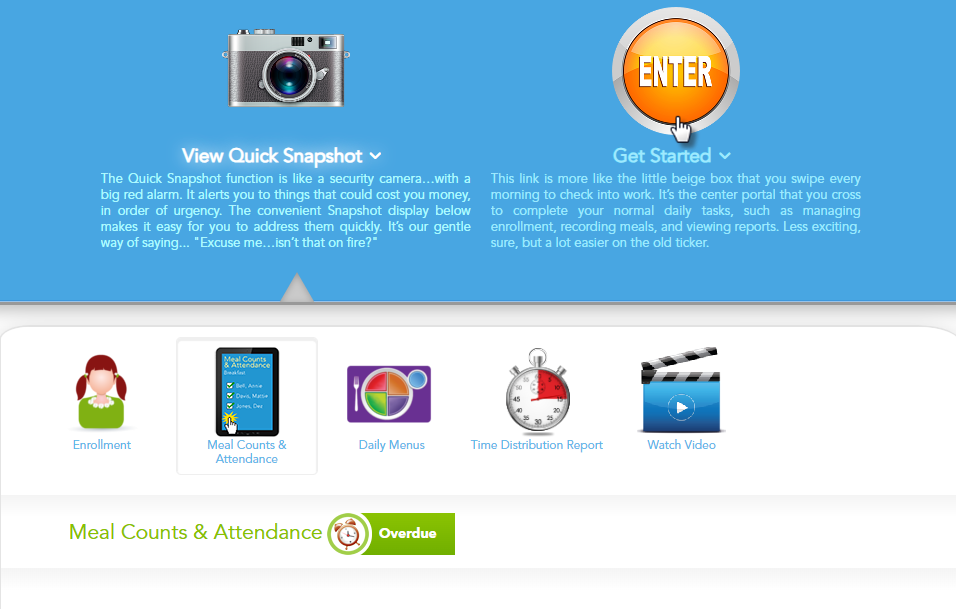
- Click Record Meals from the main menu.

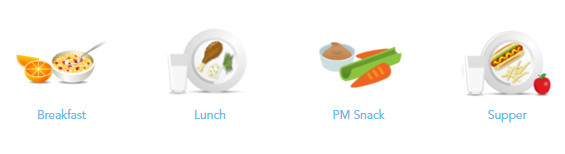
- Select the mealtime you want to update (e.g., Breakfast, Lunch, Snack).
- Go to the Daily Meal Production Record page for the date you want to edit.

- Find the menu item you want to change. Double-click on it or Click the checkbox next to that item and then click the Pencil (Edit) button to edit the selected item.

- Use the drop-down menus to select the new Menu Item and Food Item Used.
- To make this a permanent change to your cycle menu, check the box at the bottom labeled “Make this a permanent change to cycle menu.”
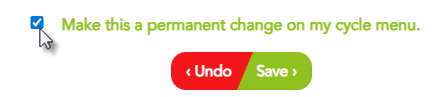
- Click Save to apply your changes.