
🪟View Current Enrollee List & Edit Enrollee Info
How Do I View the Enrollee List in MFC?
- Go to your MyFoodCloud dashboard and click Enter/Get Started.
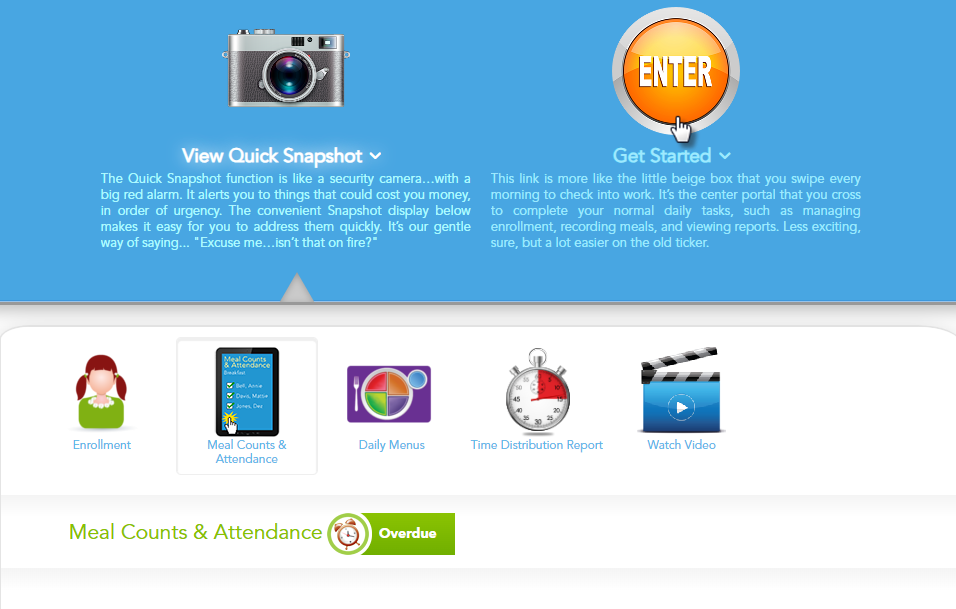
- Click the Manage Enrollment tab.

- Select View Current List to see all currently enrolled children.

Here you can view each child’s name, enrollment status, and E-Form status.
If a child’s status is “Pending,” this means the parent needs to complete the E-Form. Until the E-Form is complete, eligibility status is set to “paid” because no forms are on file, per CACFP requirements.
How Do I Edit Parent Contact Information?
- Find the child in your enrollee list and click on the Child’s Name.

- Click the Parent Details tab.

- Click the Pencil Edit button, update the contact information, and click Save.
