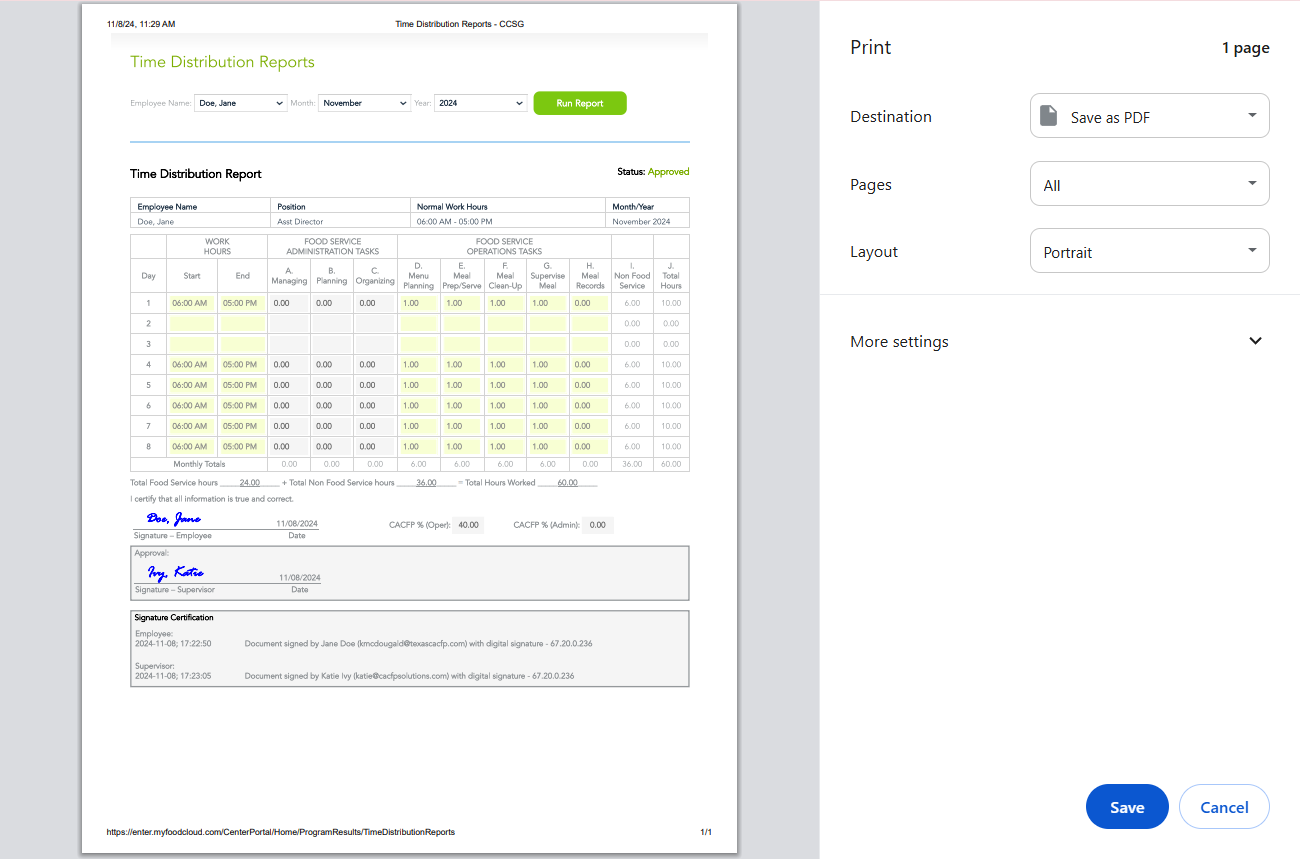
Note: Time Distribution Reports must have “approved status” to print properly.
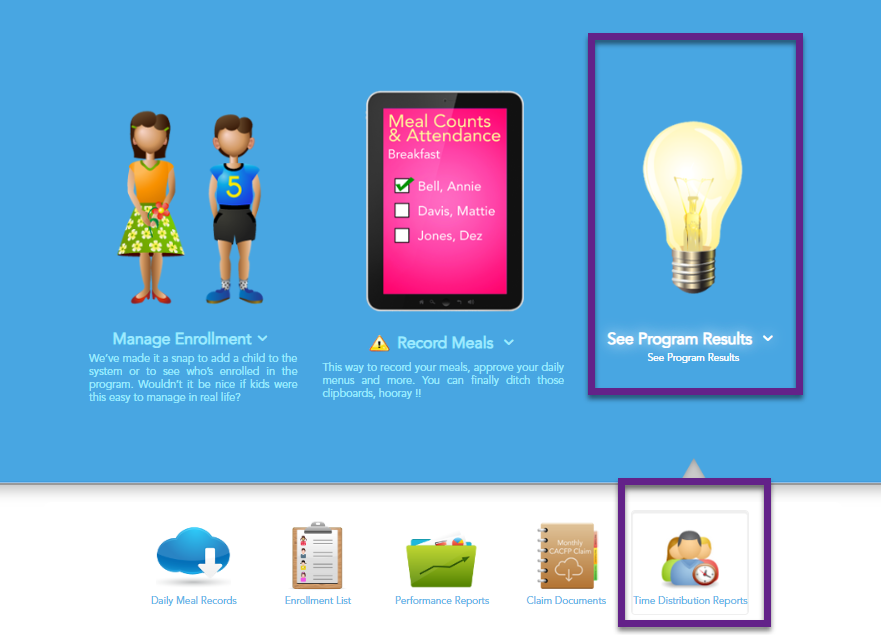
- Navigate to See Program Results.
- Select Time Distribution Reports.
- Select the Employee Name, Month, and Year you wish to print or save.
- Click Run Report.

To print: Press Ctrl+P and select your printer. Follow your printer prompts to print.
To save as a PDF: Press Ctrl+P, change the printer destination to Save as PDF, and click Save. Choose where to save the file on your computer.